1 min read
Misconceptions (and Solutions) Around Third Party Email and Security
There are so many complex aspects of cybersecurity. For many companies, the best starting point is addressing the most common vulnerable entry point...
4 min read
Jordan Hetrick
:
April 22, 2026
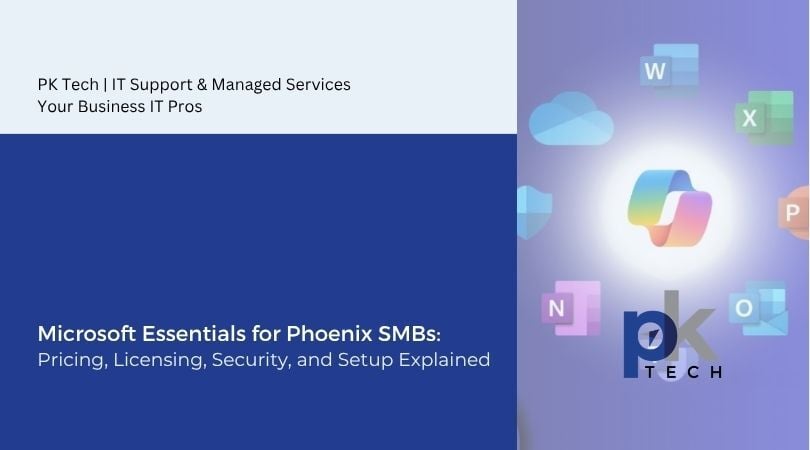
For small and mid-sized businesses (SMBs) in Phoenix, navigating the Microsoft ecosystem can feel overwhelming. Between pricing tiers, licensing rules, cybersecurity features, and deployment considerations, it’s easy to overspend or underutilize what you’re paying for.
At PK Tech, we regularly help Arizona-based businesses cut through the noise and build right-sized Microsoft environments that balance cost, security, and scalability.
In this guide, we’ll break down the essentials of Microsoft 365: from pricing and licensing to security and setup, enabling Phoenix SMBs to make informed, strategic decisions.
Microsoft 365 pricing is designed to be flexible, but that flexibility can create confusion. For SMBs (typically under 300 users), Microsoft offers three primary business plans:
Business Standard costs around $12.50/user/month, while Business Premium is about $22/user/month when billed annually as of the time this is blog written.
The real difference isn’t just price, it’s value. Business Premium includes tools such as Microsoft Defender, Intune, and Entra ID, which are critical for cybersecurity and device management.
Microsoft has also announced pricing adjustments effective July 2026, with increases across several enterprise and business SKUs. This makes proactive planning even more important for SMBs looking to lock in value before renewal periods.
Most Phoenix SMBs fall into one of three pricing strategies:
Choosing the right approach depends on your risk tolerance, compliance requirements, and workforce structure. This is where expert IT consulting support is key.
Licensing is where most SMBs unknowingly waste money. Microsoft’s licensing model is per-user, but not every employee needs the same level of access or functionality.
For example:
One common mistake we see is over-licensing. What does this mean? Essentially, businesses are guilty of over-assigning high-tier licenses to users who don’t need them. Hello to wasted money and resources.
We’ve seen it firsthand: SMBs can waste thousands of dollars annually due to inactive or misassigned licenses.
Another key factor is the 300-user cap on Microsoft Business plans. Beyond that, companies must transition to enterprise licensing, which significantly changes pricing and complexity.
When it comes to Microsoft and engaging with new clients, we recommend:
This ensures your Microsoft investment aligns with how your business actually operates, not how Microsoft bundles its offerings.
Cybersecurity is one of the most important reasons SMBs choose Microsoft 365, but not all plans offer the same level of protection.
These are solid baseline protections, but they’re not enough for today’s threat landscape.
Business Premium includes a full suite of enterprise-grade tools:
These features work together to secure endpoints, identities, email, and data, altogether creating a layered defense strategy.
Based on our experience supporting Phoenix SMBs, cyber threats such as phishing, credential theft, and ransomware are the most common risks. Businesses without advanced protection are significantly more vulnerable.
The key takeaway: security isn’t an add-on, it’s a necessity. And in many cases, Business Premium is more cost-effective than piecing together standalone security tools.
Buying Microsoft 365 is easy. Setting it up correctly is not. Enter managed IT support teams.
A poorly configured tenant can leave your business exposed, inefficient, and difficult to manage. Proper setup involves much more than creating user accounts; it requires strategic planning across multiple areas:
Even a basic Microsoft 365 deployment requires hours to configure properly, with ongoing management requiring continuous attention.
This is where a managed IT partner like PK Tech adds value. We don’t just deploy Microsoft: we align it with your business workflows, security requirements, and growth plans.
Many Phoenix businesses initially try to manage Microsoft 365 in-house. While this can work for very small teams, it often becomes unsustainable as organizations grow.
Here’s why SMBs partner with PK Tech:
We act as an extension of your team: bringing enterprise-level expertise without the cost of a full-time IT department.
Microsoft 365 is one of the most powerful platforms available to SMBs today, but only if it’s implemented correctly. Pricing, licensing, security, and setup are all interconnected, and getting one piece wrong can impact your entire IT environment.
For Phoenix SMBs, the goal isn’t just to adopt Microsoft, but rather to truly optimize it. That means choosing the right licenses, enabling the right security features, and deploying everything with a clear strategy.
At PK Tech, we specialize in helping businesses do exactly that. Whether you’re starting from scratch or looking to improve your current setup, the right guidance can turn Microsoft 365 from a confusing expense into a strategic advantage. Get in touch with our team here.
1 min read
There are so many complex aspects of cybersecurity. For many companies, the best starting point is addressing the most common vulnerable entry point...
1 min read
While perhaps a little late to the game, but a welcomed change nonetheless, Microsoft has officially rolled out a new schedule send feature for...
1 min read
When it comes to the vast array of Microsoft products, Microsoft Teams Phone is a lesser-known but highly useful Voice over IP (VoIP) software...